
A MotionMuse alternative.
Make it yours.
Explore nine video workflows. Create a starting image from a prompt, choose the motion, and make your own version.
Explore video workflows18+ · Free previews · Cost shown before creating
The workflow collection
Find your kind of motion.
Blow Kiss
Price in composerA playful kiss to camera.
Solo portrait · face and hands visible
Couple Kissing
Price in composerBring a created couple image into motion.
Two adults · both faces visible
French Kiss
Price in composerA closer kissing scene.
Two adults · close framing
Touch Self
Price in composerAn adult solo performance.
Solo subject · upper body visible
Take Off Top
Price in composerAn outfit-removal scene.
Solo adult · clothing and hands visible
Turnaround
Price in composerA turn, a pose, a different angle.
Solo subject · room for the movement
Hands on Blowjob
Price in composerA close-framed adult scene.
Match the subjects and framing in the sample
Close Up Missionary
Price in composerAn intimate scene in close-up.
Match the pose and framing in the sample
Cowgirl
Price in composerAn adult scene with a different perspective.
Match the subjects and pose in the sample
Dimensions and duration describe each published sample. Review your workflow’s current settings and credit total before generating.
An actual source-to-result test
One image.
Then motion.
We created this starting image, then used it in the Blow Kiss workflow. The original input and completed clip are shown side by side.
- Starting image
- 10 credits
- Blow Kiss video
- 30 credits
- Completed clip
- 5.1s · 512 × 768
Recorded September 29, 2026. Image: 188s. Video: 308s, including one retry. This is one measured test; generation times vary.
See the full test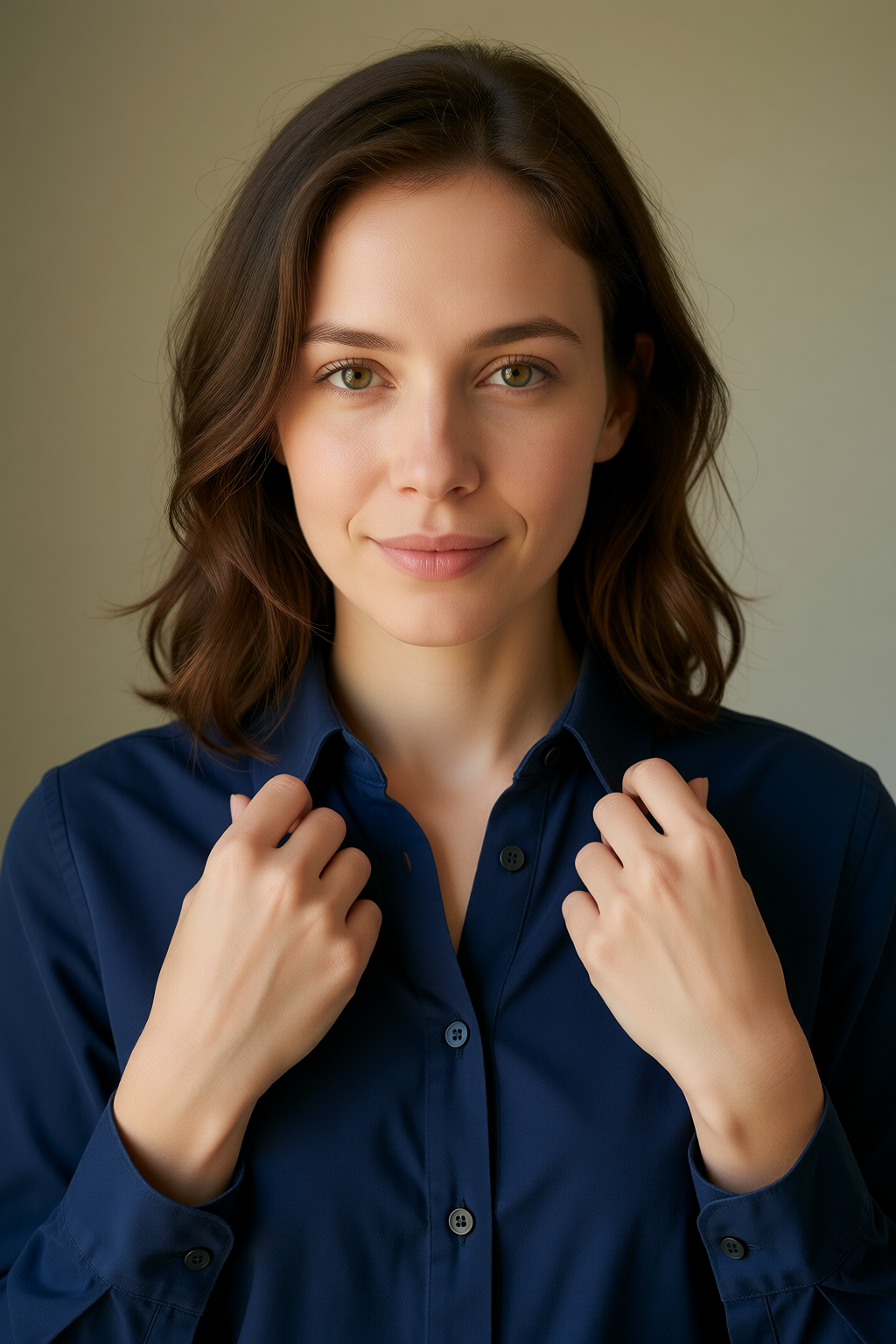
Beyond the templates
Your image.
Your direction.
Have a different movement in mind? Start with a saved image, describe the action and camera movement, then review the available duration, resolution and cost in the video composer.
Create custom motionExample motion prompt
“A gentle wave to the camera. Keep the face in frame and the camera still.”
Describe the movement you want. This prompt is illustrative; it is not the recipe for a preview above.
Ready to try Blow Kiss?
Checking the welcome offer…
From image to finished clip
Three steps. Your next video.
- 01
Choose your image
Create a starting image from a prompt, then choose it in My Creations. Match the subjects and framing to your chosen motion.
- 02
Give it motion
Choose a workflow or write your own motion prompt. Review the settings and credit total, then generate.
- 03
Keep the result
Open the finished clip in My Creations. Inspect the result and download a copy to keep.
Coming from MotionMuse?
Keep creating.
Bring your ideas and prompts to Vid.Plus. Our switching guide covers creating a starting image, choosing motion, and keeping your results.
Read the switching guideVid.Plus is an independent alternative and is not affiliated with MotionMuse. Models, templates and results differ between services.
Is MotionMuse down?
In our September 29, 2026 check, motionmuse.ai and www.motionmuse.ai did not resolve. We have not verified an official permanent-closure announcement. This is a dated observation, not an official MotionMuse status service.
Can I move my account, videos or credits?
Keep downloaded files backed up separately, and use your ideas and prompts to start fresh on Vid.Plus. New accounts create their starting images here. Vid.Plus cannot access your MotionMuse account, recover its gallery, transfer its credits, or import its templates and custom models.
Can I try a workflow before buying credits?
All previews are free to watch. While available, the limited welcome offer covers one selected eligible creation for new verified accounts, up to 40 credits. A starting image and other creations have their own costs. Review eligibility and the current total before creating.
Are my images and videos public?
Your private creations are not automatically published to Explore. Images and videos you create stay in My Creations until you delete them. Download results to keep your own copies.